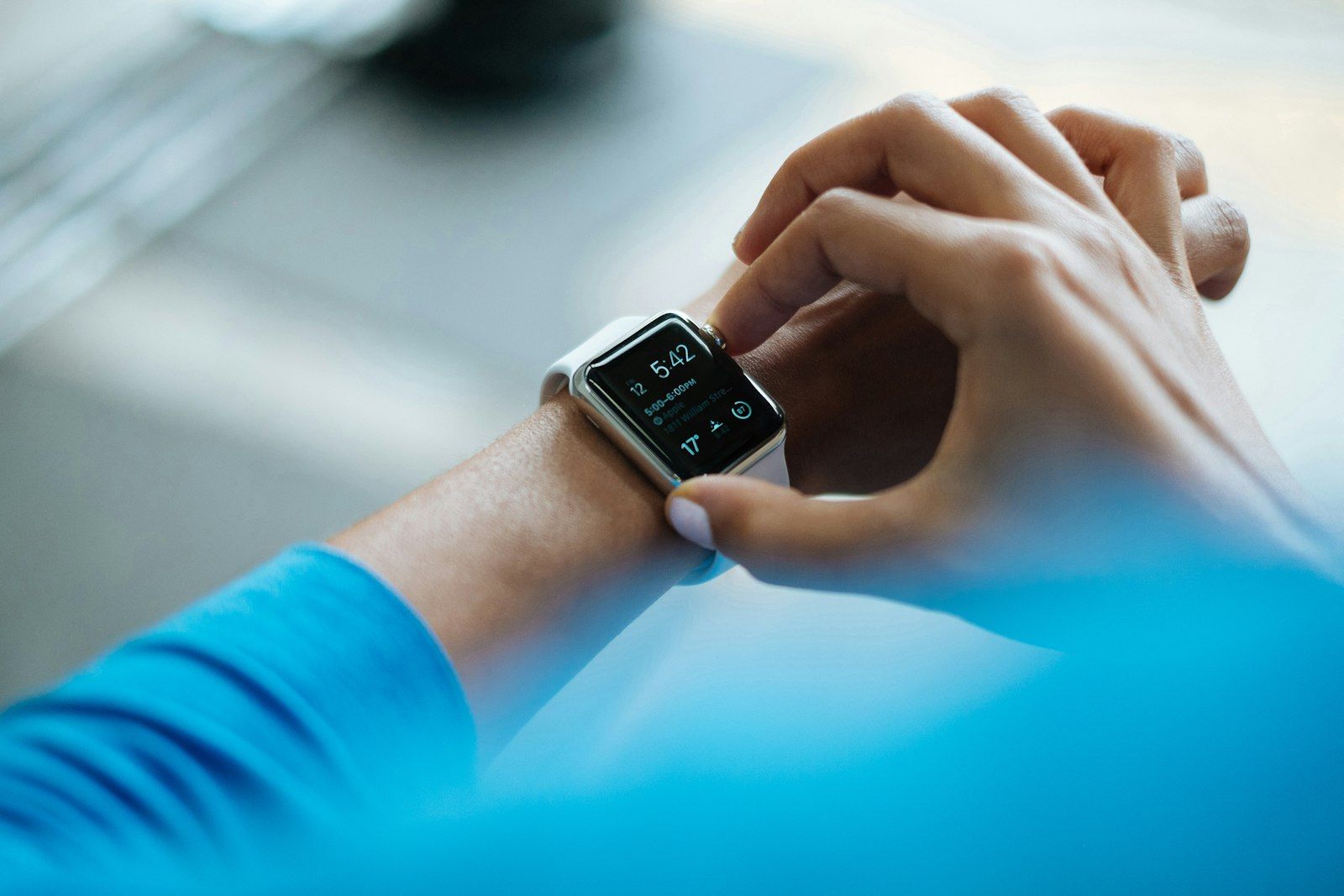
TL;DR: Apply 3 quality gates (sensor status, context blend, outlier removal) before wearable data enters your dashboard. Combine clean wearable metrics with lab values to catch patterns like declining HRV plus rising inflammation markers.
In my own tracking I noticed: my Oura ring kept me in “Low Recovery” for an entire week — with HRV readings around 27 ms — even though I felt subjectively fine. Panic set in: overtraining? An infection? Burnout? The moment everything clicked was when I took off the ring and looked at the inside: the sensor was slightly cloudy from soap residue left over from handwashing. Cleaned and recalibrated — HRV immediately back to 43 ms. Suddenly it was clear why every “recovery measure” I had tried that week had made no difference. The wearable had not been measuring my body. It had been measuring its own contamination. What I learned: quality gates are not paranoia — they are the prerequisite for trusting your data.
Quality Gates
Raw wearable data is noisy by default. A single night of poor sensor contact can produce an HRV reading 30% below your true value. Apply these three gates before any analysis:
- Sensor Status – Check battery level (below 20% degrades accuracy), firmware version, and wear position. A loose wristband or shifted ring produces unreliable readings.
- Context Blend – Import events (alcohol, jet lag, illness, heavy training) automatically from calendar and notes. Without context, noise looks like signal. See biomarker baseline checklist for standardized event logging.
- Outlier Removal – Apply a rolling median plus IQR filter for HRV, resting pulse, and temperature. This removes spikes caused by sensor artifacts without flattening real trends.
Manual Overrides
Automated filters miss some situations. Add manual quality controls:
- Mark nights with poor sensor fit directly in the app. One flagged night prevents a false trend in your weekly average.
- Add a subjective energy score (1 to 10) each morning to evaluate deviations. If your wearable says “recovered” but you feel exhausted, the override protects your insight sprints from bad data.
Sync with Biomarkers
The real power of wearable data emerges when you combine it with lab results. This table shows actionable pairings:
| Wearable KPI | Biomarker | Decision |
|---|---|---|
| HRV declining 12%+ | hsCRP rising | Start inflammation protocol |
| Sleep deficit 3+ nights | Cortisol elevated | Adjust evening routine |
| Resting HR rising | Ferritin dropping | Check iron status |
| Temperature elevated | WBC count high | Possible infection, consult doctor |
Use your connected health dashboard to display wearable and biomarker data side by side. The visual correlation makes decision points obvious.
My self-tracking experiment: I wanted to find out whether my HRV data is reliable enough to base supplement decisions on. Starting values: Oura HRV baseline 41 ms, measured over 30 consecutive nights. I ran a parallel manual morning HRV protocol using a validated app-based ECG (30 seconds, same time each day). Correlation over 30 days: Oura read on average 6 ms below the ECG reference, but the trend was nearly identical (correlation coefficient 0.87). Result: for absolute values the wearable is unreliable, but for trend changes it is very reliable. What I learned: wearables are trend instruments, not precision instruments. Base your decisions on trend changes, not absolute values — and flag outliers consistently with manual overrides.
Building Wearable Data into Your Health Stack
- Feed clean wearable data into your health analytics blueprint as one of three capture streams alongside labs and supplement logs.
- Use wearable trends to trigger supplement adjustments. For example, a sustained HRV drop may indicate that your current magnesium dose needs review.
- Store wearable context notes in your lab archive so future analysis always has the full picture.
- Explore Lab2go’s features for automatic wearable sync and quality filtering. Check pricing plans for the tier that matches your device count.
Conclusion
Wearable data only becomes valuable when you treat it like lab values: with quality checks, context, and a clear use case. Clean your data before you analyze it, and always combine wearable metrics with lab results for the full picture.
Article FAQ
- How accurate is wearable health data?
- Consumer wearables like Oura, Apple Watch, and Garmin measure HRV, resting heart rate, and sleep stages with varying accuracy. HRV readings can differ 10 to 20% from medical-grade ECG monitors. Resting heart rate is typically within 2 to 5 bpm of clinical measurements. The key is consistency rather than absolute accuracy. If you always wear the device the same way, trends remain reliable even if individual readings carry noise.
- What is HRV and why does it matter for health tracking?
- HRV stands for heart rate variability and measures the variation in time between heartbeats. Higher HRV generally indicates better cardiovascular fitness and lower stress. For health optimizers, HRV serves as a daily readiness indicator. A sustained drop of 12% or more below your personal baseline often signals overtraining, illness, or accumulated stress. Tracking HRV over weeks reveals patterns that single readings cannot.
- How do I filter noise from wearable data?
- Apply three quality gates in sequence. First, check sensor status including battery level, firmware version, and wear position. Second, blend context by importing events like alcohol consumption, travel, or jet lag from your calendar. Third, run outlier removal using a rolling median plus IQR filter on HRV, resting pulse, and temperature. This process removes false spikes and makes trends trustworthy.
- Should I combine wearable data with lab results?
- Yes, combining wearable data with lab results is one of the most powerful steps in health optimization. For example, declining HRV paired with rising hsCRP points to systemic inflammation that neither data source would reveal alone. The key is aligning timestamps and context tags so you can correlate wearable trends with specific lab measurements taken on the same day or week.
- How often should I sync wearable data to my health dashboard?
- Sync daily if your wearable supports automatic export. The more continuous your data stream, the better your outlier detection works. For weekly review, ensure you have at least 5 clean nights of sleep and HRV data. Monthly, cross-reference your wearable trends with lab results to spot correlations between daily metrics and biomarker shifts.
- What are the best wearables for health data tracking?
- For HRV and sleep, the Oura Ring and Whoop strap provide the most consistent overnight data. For activity and heart rate, Garmin and Apple Watch offer reliable day-long tracking. The best wearable is the one you wear consistently every day. Switching devices mid-tracking period breaks your baseline and makes trend comparison unreliable for 2 to 4 weeks.
- How do I know if my wearable data is unreliable?
- Watch for three red flags: sudden spikes that do not match your subjective experience, inconsistent readings during the same activity across days, and readings that contradict lab results taken on the same day. For example, if your wearable shows excellent HRV but your cortisol labs come back elevated, the wearable reading may reflect sensor positioning rather than actual recovery. Manual override tags help you flag these events.
- What is context blending for wearable data?
- Context blending means importing life events such as alcohol consumption, jet lag, illness, menstrual cycle phase, or heavy training sessions alongside your wearable data. Without context, a low HRV night looks alarming when it was simply caused by a late flight. By tagging events automatically from your calendar or manually in your health app, you distinguish real health signals from expected noise.
This article is for general information only and is not a substitute for individual medical advice, diagnosis, or treatment. Discuss any changes to your diet, supplementation, or medication with a qualified healthcare professional.

Maritta Schmid, Founder lab2go, Biohacker
Founder & Biohacker
Berlin, Germany
Connects health data, technology, and practical routines for real behavioral change.
Areas of focus
Discussion
Community comments coming soon. Until then, we welcome feedback and questions via email.
E-Mail anzeigen