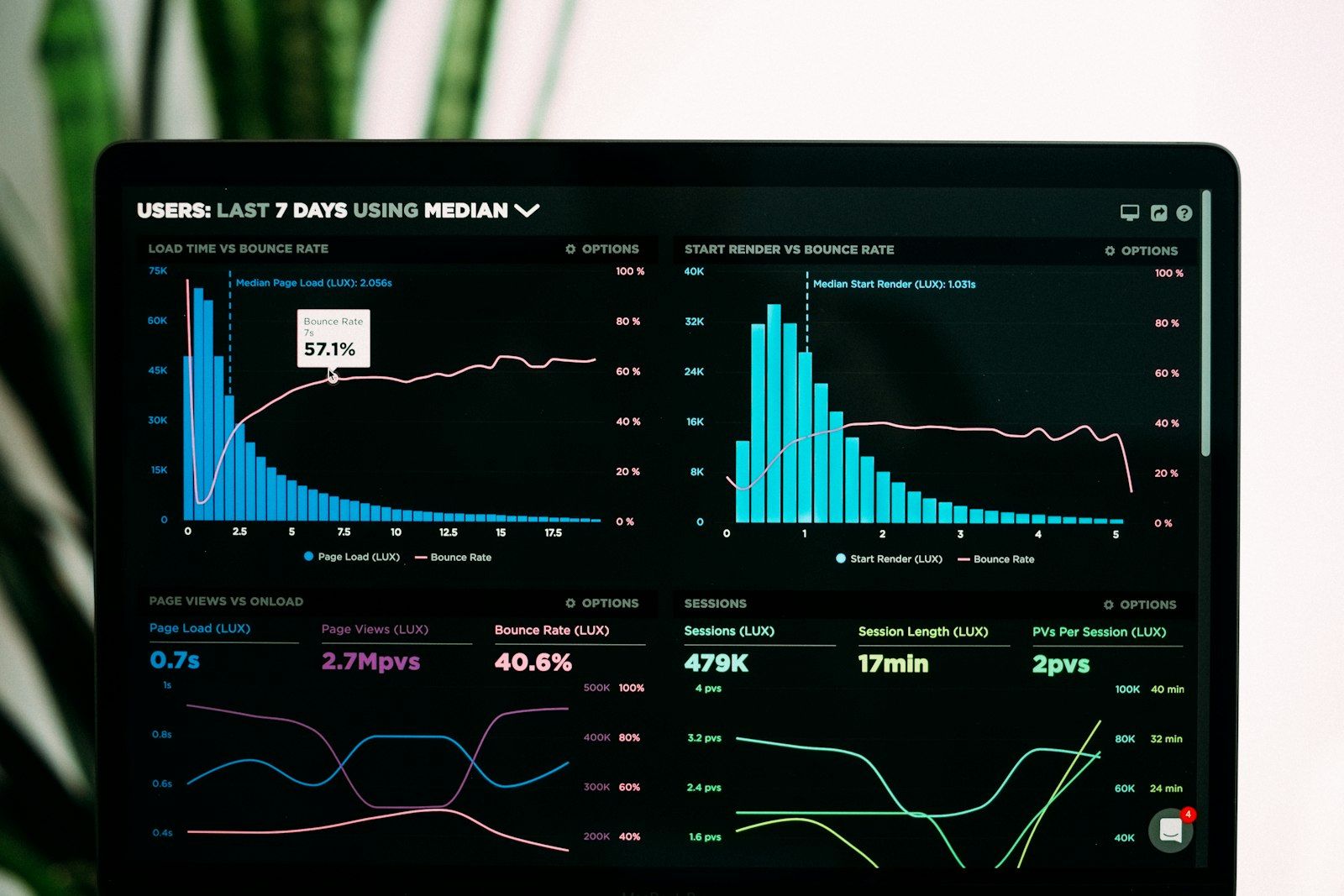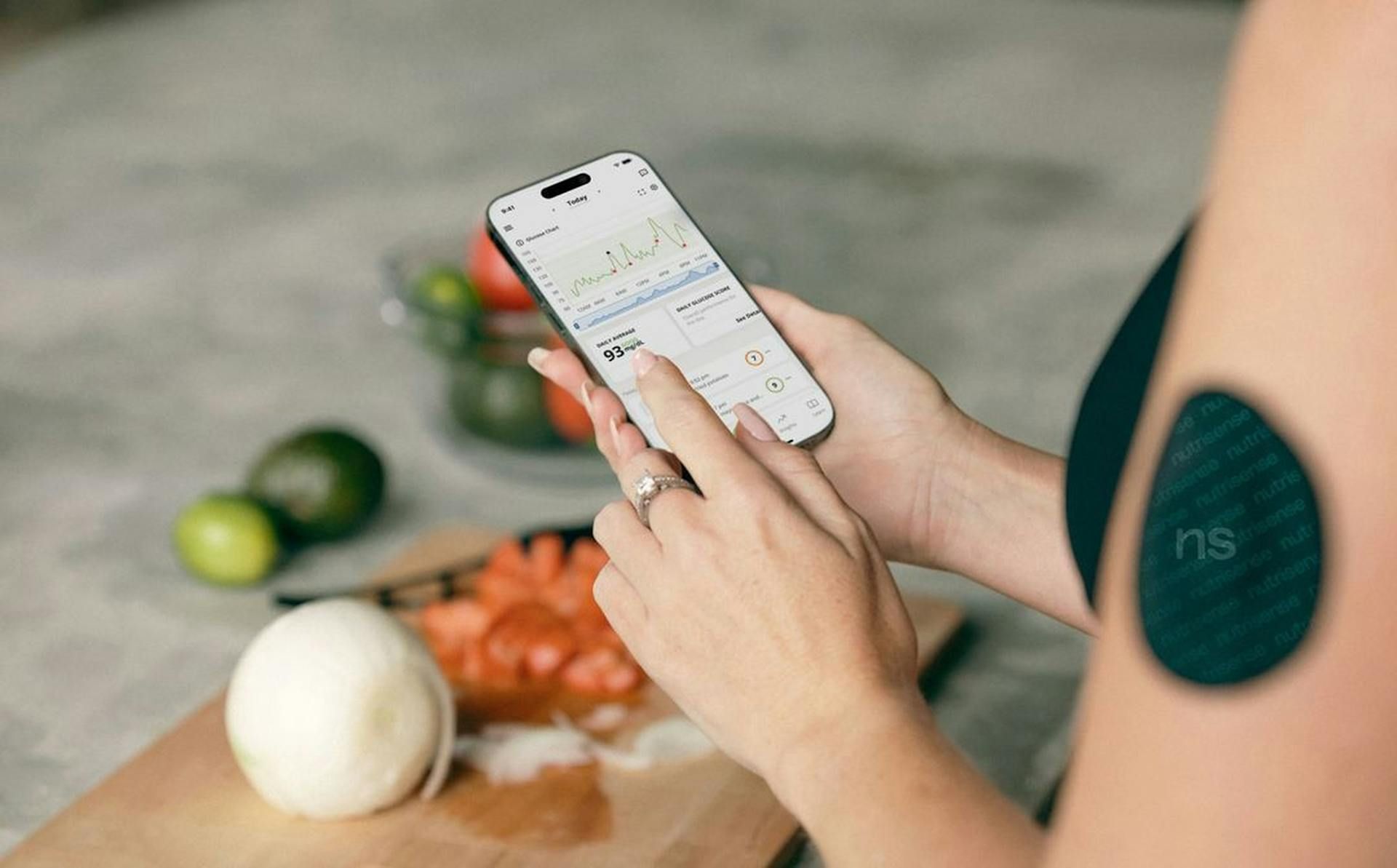
TL;DR: Lab reports arrive as PDF, photo, screenshot or paper. The import workflow turns them into structured data points: OCR extracts text, marker recognition assigns values, you review and add context. Five blood panels from two years can be digitized in 1.5 to 2.5 hours — and after that you immediately see trends that were buried in a paper archive before.
The Problem: Your Lab Values Are Fragmented
Your general practitioner mails the result. The lab uploads a PDF to their portal. The diagnostic center sends an email attachment. Your previous doctor has the originals. You end up with six reports from three different sources — and no idea how your ferritin or LDL has moved over the past two years.
This is the normal situation for most people. Lab values exist, but they are not comparable. They sit as PDFs in download folders, as printouts in drawers, as screenshots on your phone.
Manually typing them in is not a real solution. You make typos, miss units and stop after the second report. What you need is an import workflow that turns fragmented documents into comparable data points.
The Import Workflow: How It Works
A typical import runs through seven steps. Some happen automatically, some require your input.
Step 1: Upload. You submit the document — as a PDF, a photo of a paper report or a screenshot. All three formats work. Document quality determines how much automation is possible.
Step 2: OCR (Optical Character Recognition). The system reads text from the document. For a text-based PDF, it reads the embedded text directly. For a scanned image or photo, OCR analyzes every pixel, identifies characters and numbers, and converts them into machine-readable text. Better scan quality means better OCR results.
Step 3: Marker recognition. The recognized text is parsed for known biomarker names. “Hemoglobin”, “Hgb”, “HGB” all map to the same marker. The system identifies the measurement value, unit and lab reference range.
Step 4: Assignment. Recognized names are mapped to a standardized marker database. “ALT” and “GPT” become the same marker. “Fasting glucose” becomes “Glucose”. This is what allows comparison across different labs over time.
Step 5: Quality review. You see the import before it is saved. All recognized values are displayed with unit and reference range. You can correct errors, add unrecognized markers manually and delete irrelevant entries.
Step 6: Add context. Blood draw date, lab name, fasting status (yes or no) and optional notes. This context is essential for interpretation. Without it, a glucose reading of 105 mg/dL is ambiguous — with the note “non-fasting” it is immediately clear.
Step 7: Storage. Values are stored chronologically in your profile. Each marker gets its own timeline. The next time you import the same marker, the new value is automatically placed in the correct position in the series.
For more on the structural logic behind a complete lab archive, read building a lab archive like a data warehouse.
What Works Automatically — and What Does Not
Not every marker and not every document processes with the same reliability. Here is the realistic picture:
Automatically recognized well:
- Standard markers with clear names: hemoglobin, creatinine, TSH, glucose, cholesterol, ferritin
- Values with standard units: mg/dL, µmol/L, U/L, g/dL, ng/mL
- Lab reference ranges (when included in the document)
- Measurement date (when clearly formatted)
Manual review needed:
- Lab-specific abbreviations outside the standard vocabulary
- Different units for the same marker (e.g. mmol/L vs mg/dL for glucose)
- Handwritten notes on the report
- Time of blood draw (often missing from the document)
- Medications and supplements at the time of testing
- Unusual markers from specialized panels
The principle holds everywhere: automation handles the routine, you check the exceptions. For markers you track regularly, the one-time manual effort at the first import pays off at every subsequent one.
For an overview of the key markers for a solid baseline, see the biomarker baseline checklist.
Common Problems With PDF Import
Poor documents produce poor imports. These five problems come up most often:
Poor scan quality. A blurry phone photo or a faded fax printout causes OCR errors. “62 U/L” becomes “62 U/I” or “G2 U/L”. Always verify against the original document.
Foreign lab reports. A British report lists the same markers differently. US reports use different units — cholesterol in mg/dL instead of mmol/L. Reference ranges vary by country. After any import from abroad, check each value individually.
Old documents in fax format. Reports from the early 2000s were often transmitted by fax and then digitally archived. Image quality is poor, contrast is low. Manual comparison with the original is necessary.
PDFs with embedded images instead of text. Some lab portals generate PDFs where the result page is a scanned image embedded in a PDF container, rather than actual text. The PDF opens normally, but OCR still has to analyze the image — with correspondingly higher error risk.
Unit conversion. When a lab reports cholesterol in mmol/L and your profile uses mg/dL, conversion is required. Without automatic detection, you end up with 5.2 instead of 201 in your trend — and the comparison breaks down.
Unit Conversion: The Key Formulas
International lab reports, tests from abroad or switches between lab systems can create unit mismatches. This table is your reference:
| Marker | Conversion | Example |
|---|---|---|
| Glucose | 1 mmol/L × 18 = mg/dL | 5.5 mmol/L = 99 mg/dL |
| Cholesterol / LDL / HDL | 1 mmol/L × 38.67 = mg/dL | 5.2 mmol/L = 201 mg/dL |
| Creatinine | 1 µmol/L ÷ 88.4 = mg/dL | 88 µmol/L = 1.0 mg/dL |
| Urea | 1 mmol/L × 2.8 = mg/dL | 5.0 mmol/L = 14 mg/dL |
| Vitamin D (25-OH) | 1 nmol/L ÷ 2.5 = ng/mL | 100 nmol/L = 40 ng/mL |
| Ferritin | µg/L = ng/mL (identical) | 80 µg/L = 80 ng/mL |
| Triglycerides | 1 mmol/L × 88.6 = mg/dL | 1.7 mmol/L = 151 mg/dL |
| Hemoglobin | 1 mmol/L × 1.611 = g/dL | 9.0 mmol/L = 14.5 g/dL |
After every import from an unfamiliar source: verify the unit before saving.
Switching Labs: What to Watch Out For
When you change labs, you may be comparing apples and oranges. Different labs use different analytical methods (assays) that can produce different results for the same marker.
Markers most affected by method differences:
- TSH: Values can vary 10 to 20 percent between assay generations and labs
- Vitamin D (25-OH): Differences of 15 to 25 percent between labs are documented
- Thyroid antibodies (TPO, Tg): Highly method-dependent
- PSA: Not directly comparable between different assay methods
Mark every lab switch in your profile. That way you can tell whether a shift in your trend is method-related or a real health change. For guidance on reading trends and charts, see the guide on reading biomarker trends and charts.
Best Practices for Clean Imports
Good documents make good imports. These four rules save you rework:
1. Use the PDF directly from the lab portal — do not print and rescan. Portal PDFs contain embedded text and produce the best OCR results. Printing and scanning back again loses quality.
2. Phone photos for paper reports. Good lighting, report flat on a table, all edges visible, no shadow over the numbers. A sharp photo in bright conditions beats a poor scanner.
3. Import immediately when you receive the report. Do not let them pile up. A fresh report takes 15 minutes. A stack of ten old reports feels like a project and stays unfinished longer.
4. When in doubt, enter manually. If a value looks wrong or the unit does not match, enter it by hand. One incorrect value in your trend is worse than one missing value.
Digitizing Historical Reports: Strategy
Many people have lab reports from years or decades ago. Once digitized, they create a baseline that immediately reveals patterns.
Prioritization:
- Last 2 to 3 years first — most relevant for current trends
- Then: older reports as “baseline history” (shows where you started)
- Very old reports (more than 10 years): only import if they contain markers you still track today
Realistic scenario:
You have five blood panels from the past two years. All come from the same lab as PDFs. Time investment: roughly 15 minutes per report. Total: 1.5 hours.
What becomes visible immediately:
- Ferritin trend over 24 months — rising or falling?
- LDL trajectory — has the diet change made a difference?
- Vitamin D seasonal pattern — how much does it drop in winter?
- TSH stability — is there a slow drift?
These insights were always in the PDFs. Now they are visible. For the long-term tracking methodology and what to do with these timelines, read the guide on long-term biomarker tracking.
Data Privacy: What You Need to Know
Lab reports contain highly sensitive health data. Before uploading, check:
- EU hosting: Data must be stored in EU data centers (GDPR requirement)
- Encryption: In transit (TLS) and at rest
- Data sharing: Are data shared with third parties such as insurers or pharmaceutical companies? The privacy policy will tell you.
- Deletion: You have the right to delete your own data under GDPR
For reference: doctors are legally required to keep records for 10 years. For your own data there is no statutory retention period — you decide.
Integration With External Systems
In some countries and with some labs, digital interfaces already exist:
- Lab portals: Some offer direct data exports (JSON, CSV, FHIR) — better than PDF import
- Electronic health records: Development varies by country; not yet widely available
- Wearable APIs: Continuous values (glucose, HRV) come via API, not PDF
- Doctor portals: Rarely have direct export functionality
For most people, PDF import remains the practical reality. Digital integration is improving — slowly. For more on Lab2go’s supported integrations and features, see the features page.
Conclusion: Digitize Once, Benefit Continuously
The initial import effort pays off quickly. Once you have a baseline spanning 3 to 5 years, you answer questions in seconds that used to require hours of digging through PDFs.
Three steps to get started:
- Upload your last 2 to 3 blood panels. The first import immediately shows which markers you have been measuring regularly.
- Check units and marker assignments. Especially for foreign reports or after a lab switch.
- Add context: Fasting status, lab name, any relevant circumstances (exercise, illness, supplements).
After that: import new results as soon as you receive them. In six months you will have a timeline showing exactly where your values are headed.
Compare the available plans and pricing and start importing your latest reports. For an introduction to structured tracking, read the Lab2go blood values tutorial.
This article describes general concepts and workflows. It does not replace medical advice. Always discuss your lab results with a qualified healthcare provider, especially when values are outside the reference range.
Article FAQ
- Can I import lab reports from any PDF?
- Text-based PDFs typically import well because OCR can read the embedded text directly. Scanned PDFs — where the page is stored as an image inside the PDF container — depend heavily on scan resolution. PDFs exported from lab portals with actual text content work most reliably. Very old fax copies or handwritten notes usually require manual entry.
- What is OCR and why do I need it for my lab reports?
- OCR stands for Optical Character Recognition. It detects text in images or scanned documents and converts it into machine-readable data. Without OCR, a scan stays an image you cannot search or analyze. With OCR, 'ALT 52 U/L' becomes a structured data point you can compare against previous values.
- How accurate is automatic marker recognition?
- For standard markers with clear names — hemoglobin, creatinine, TSH, glucose — and clean PDFs, recognition rates typically exceed 90 percent. Lab-specific abbreviations, unusual markers and poor scan quality are the main failure points. That is why every import includes a review step where you check and correct the recognized values before saving.
- Do I need to convert units manually?
- A system can detect and apply standard conversions automatically — for example glucose from mmol/L to mg/dL. But you should still verify the result, especially for foreign lab reports or unusual units. The conversion for glucose: 1 mmol/L × 18 = mg/dL. You will find formulas for other markers in this article.
- How long does it take to import 5 old lab reports?
- With clean PDFs from a standard lab, count on roughly 15 minutes per report: upload the document, review the import, add context (date, lab name, fasting status), save. For older or poorly scanned documents, allow 25 to 30 minutes. Five reports take 1.5 to 2.5 hours total — and after that you immediately have a two-year trend.
- What do I do when a marker is not recognized?
- Enter it manually. Most platforms offer manual data entry alongside the automatic import. Search for the marker in the database or create it with unit and reference range. This is especially worth doing for markers you track regularly — next time, the system will be looking for it.
- Are my lab reports safe when I upload them?
- That depends on the provider. GDPR-compliant services with EU hosting encrypt data in transit and at rest. Lab2go stores all data in EU data centers and does not share it with third parties. For particularly sensitive reports — for example genetic testing — check the provider's privacy policy before uploading.
- Can I import lab reports from other countries?
- Yes, but with more effort. Foreign reports often use different units, different reference ranges and sometimes different abbreviations for the same marker. A French report may list ALT as ALAT; a US report gives glucose in mg/dL rather than mmol/L. After importing any foreign report, review each value manually and confirm the unit was captured correctly.
- What should I watch out for when switching labs?
- Different labs use different analytical methods (assays) for the same marker, leading to different reference ranges — especially for TSH, vitamin D and thyroid antibodies. When you switch labs, mark that change in your profile. That way you can tell whether a shift in your trend is method-related or a real change in your health status.
- Is it worth the effort to digitize old lab reports?
- Yes — a data baseline spanning 3 to 5 years is genuinely valuable. You spot seasonal patterns (vitamin D in winter), long-term trends (LDL over five years) and can immediately contextualize new values. Prioritize the last 2 to 3 years first, then older reports. Even 3 to 4 historical measurements are enough to see meaningful trends.
This article is for general information only and is not a substitute for individual medical advice, diagnosis, or treatment. Discuss any changes to your diet, supplementation, or medication with a qualified healthcare professional.

Maritta Schmid, Founder lab2go, Biohacker
Founder & Biohacker
Berlin, Germany
Connects health data, technology, and practical routines for real behavioral change.
Areas of focus
Discussion
Community comments coming soon. Until then, we welcome feedback and questions via email.
E-Mail anzeigen